
Agent
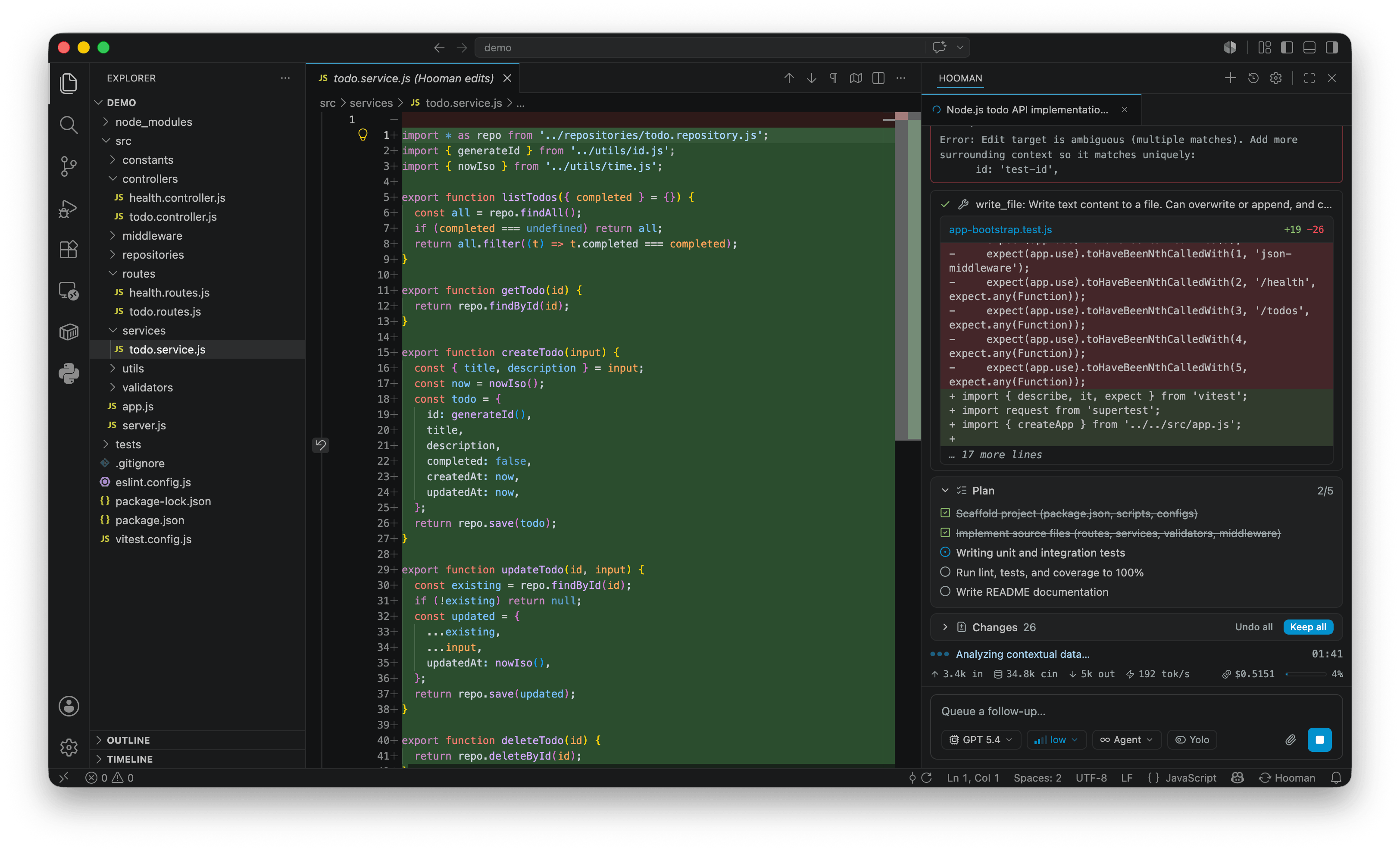
Agent is the default session mode. Use it when you want Hooman to implement, edit files, run commands, and drive the full built-in tool surface.
hooman chat --mode agent# or simply:hooman chatBehavior
Section titled “Behavior”- Full filesystem tools (
read_file,read_multiple_files,edit_file,edit_multiple_files,create_directory,move_file, …) - Shell with background jobs (
shell/shell_output/shell_stop) - Search, fetch, skills, MCP discovery (
search_tools/activate_tools), subagents, todos switch_modeto move into Plan, Ask, or Design when the task calls for it
For HTML design artifacts (prototypes, decks, Figma/Sketch handoffs), prefer switching to Design so craft rules, DESIGN.md, and the hooman-design skill apply.
After a plan
Section titled “After a plan”If you just left Plan mode, the most recent plan file is available in session state. Read it early and seed update_todos from the plan’s tasks when practical — keep the plan checklist and todos in sync yourself as you execute.